
Managing tabs: a practical system for browser overload
A simple tab management system for people with too many browser tabs open: sort active work, save future work, close stale tabs, and build focused workspaces.
Published by tabExtend on · Updated
Quick answer
To manage too many Chrome tabs, keep only the current task open, group related active tabs, save future work, suspend pages that only need to stay available, and close anything with no clear next use. Use a workspace tool when tabs repeatedly return as part of a project.
| If the tab is… | Do this | Use |
|---|---|---|
| Needed for the current task | Keep it open and group it | Chrome tab groups |
| Useful later | Save it with a clear name | Bookmark, reading list, or tab manager |
| Part of an ongoing project | Move it into a project workspace | Workspace-style tab manager |
| Only consuming memory | Let Chrome deactivate it | Memory Saver |
| No longer tied to an outcome | Close it | No tool required |
Most tab overload is not a browser problem. It is a decision problem. Tabs stay open because they represent unfinished work, future reading, reminders, research trails, or fear that you will not find something again.
Sort every tab into one of four buckets
- Use now: keep it open because it supports the current task.
- Use soon: save it with a reminder or note.
- Reference later: save it into a project workspace or bookmark group.
- No longer useful: close it immediately.
Use workspaces instead of one giant window
A window with forty mixed tabs forces your brain to scan unrelated work all day. Workspaces let you separate research, admin, communication, writing, learning, and personal tasks so only the relevant tabs are visible.
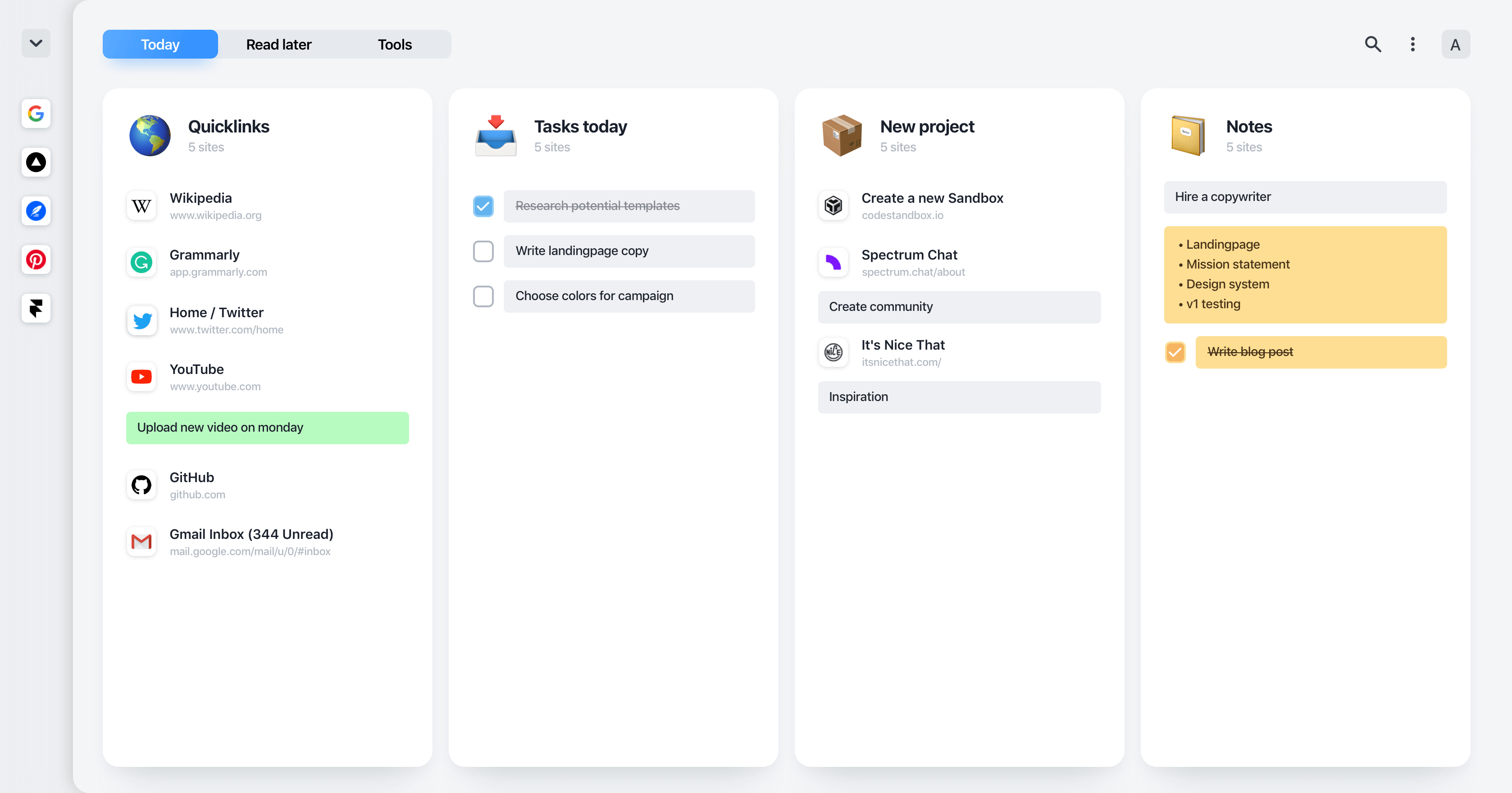
Close tabs without losing context
The goal of tab management is not to close everything. The goal is to close tabs safely. A saved tab with a note is easier to trust than an open tab with no explanation.
- Name groups after outcomes, not vague topics.
- Add one-line notes to tabs you might forget.
- Set reminders for tabs that require action.
- Review saved groups weekly and delete stale links.
The browser productivity rule
If a tab is not helping the current task, it should either be saved with context or closed. This one rule makes managing tabs easier than any complicated system.
If you need a tool rather than a habit change, use the best tab manager guide to choose by workflow.
Sources