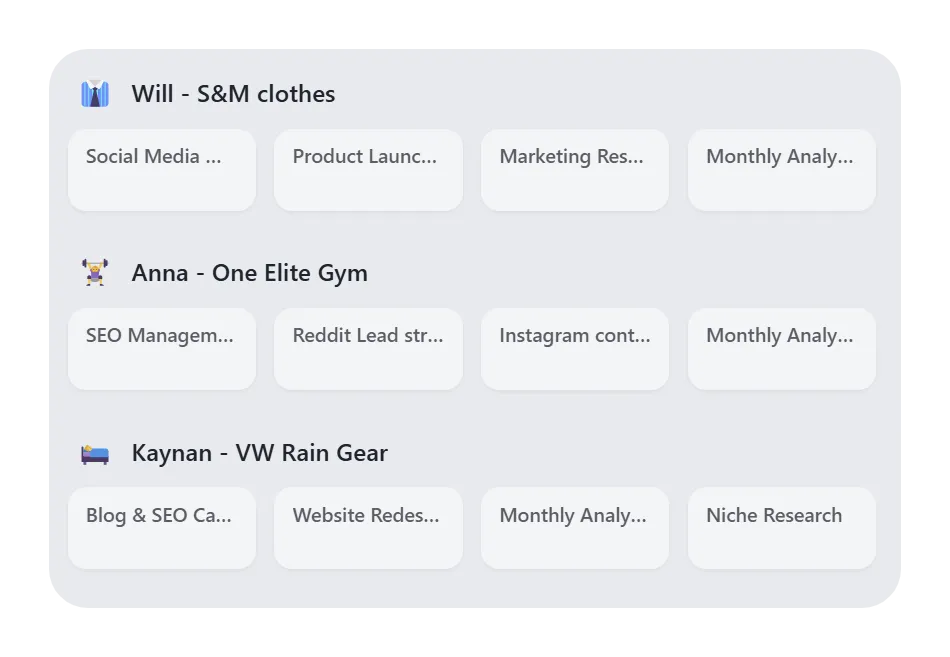
Session management for Chrome tabs: save, restore, and return to work
Learn how Chrome session management works, when to save a session, and how tab managers help you restore project context without reopening every tab manually.
Published by tabExtend on
A browser session is the set of tabs and windows you are using at a point in time. Good session management lets you close that setup and return later without losing the project context.
When you should save a session
- You are switching projects and do not need the current tabs open.
- You are ending the day but want to resume tomorrow.
- You collected research tabs and need to sort them later.
- Your browser is slow because too many tabs are active.
Session restore is only part of the job
Restoring a session brings back pages. It does not always bring back meaning. A saved group called Research with twenty links can still be confusing next week unless you add context.
Use names, notes, and reminders
For useful session management, name the workspace after the project, add short notes to important tabs, and set reminders for anything that needs action. This turns a tab stash into a workflow.
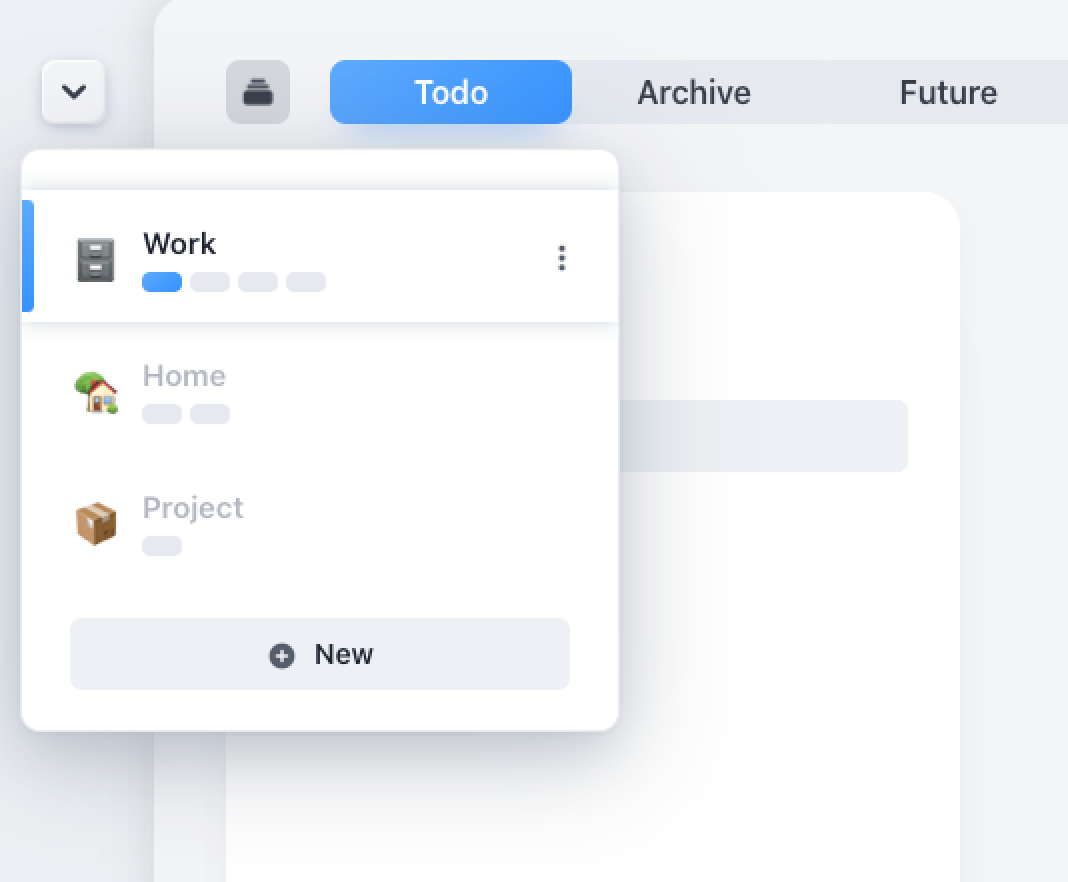
How tabExtend handles sessions
tabExtend lets you save groups of tabs into visual workspaces, reopen them when needed, and keep notes, tasks, reminders, and links together. That makes it useful for both tab management and lightweight session management.
For other session and workspace approaches, see the guide to the best tab manager extensions.